
Mobile-based asset verification is transforming how organizations track and verify their fixed assets. Instead of relying on expensive barcode guns or dedicated handheld scanners, companies can now perform complete asset verification using QR codes, barcodes, and mobile applications. This approach reduces hardware costs, improves audit efficiency, and allows real-time asset tracking directly from smartphones.
Many organizations now use inventory verification services supported by mobile applications to perform faster and more accurate asset verification.
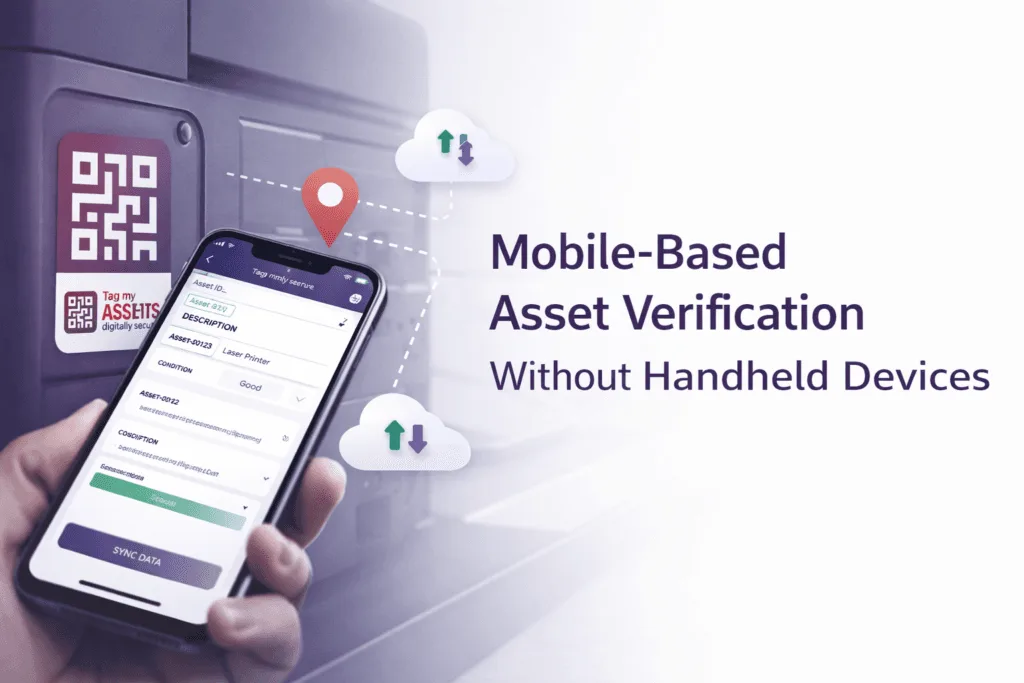
Today’s smartphones are powerful enough to perform end-to-end asset verification—right from scanning tags to capturing images, recording asset condition, capturing GPS location, and syncing data to the cloud.
This blog explains how mobile-based asset verification works using QR codes and barcodes, why handheld machines are not required, and how organisations benefit from a mobile-first approach.
The Common Misconception About Asset Verification
Historically, asset verification was associated with:
- Manual registers and Excel sheets
- Barcode guns
- Dedicated handheld scanning devices
While these methods were used earlier, they are no longer necessary for most organisations. With mobile applications, the entire verification process can now be completed using a single smartphone.
What Is Mobile-Based Asset Verification?
Mobile-based asset verification is a process where QR codes or barcodes pasted on assets are scanned using a mobile application.
Using a mobile app, verification teams can:
- Scan QR codes or barcodes using the phone camera
- Capture live asset images
- Record asset condition (working, idle, damaged, scrapped)
- Automatically capture GPS latitude and longitude
- Sync verification data directly to a cloud database
No specialised scanning machines or handheld devices are required.
How Asset Verification Works Using Only Mobile Applications
Step 1: Asset Tagging with QR Codes or Barcodes
Each asset is tagged with a QR code or barcode that uniquely identifies it in the system. Professional fixed asset tagging services ensure durable asset labels and accurate asset identification.
Step 2: Scanning Using Mobile Application
The verification team opens the mobile application and scans the QR code or barcode using the smartphone camera. The app instantly retrieves asset details and opens the verification screen.
Step 3: Image Capture and Condition Logging
During verification, the mobile app allows:
- Capturing one or multiple images of the asset
- Selecting asset condition (working, idle, damaged, scrapped)
- Adding remarks for audit or management reference
This creates strong visual and documentary evidence.
Step 4: GPS-Based Geo-Tagging
Mobile phones automatically capture latitude and longitude during scanning. Geo-tagging confirms that the asset was physically verified at the recorded location, reducing the risk of desk-based verification.
Step 5: Cloud Synchronisation and Reconciliation
The platform generates updated Fixed Asset Registers (FAR) and supports modern fixed asset management practices for better asset tracking. The platform generates:
- Verified asset lists
- Missing or excess asset reports
- Updated Fixed Asset Registers (FAR)
- Audit-ready reconciliation reports
Manual consolidation is largely removed.
Why Handheld Devices Are Not Required
Smartphones Perform Multiple Functions
A single mobile device handles:
- QR / barcode scanning
- Image capture
- Condition recording
- GPS location capture
- Real-time data sync
Lower Cost and Faster Deployment
Mobile-based verification eliminates:
- Cost of specialised machines
- Maintenance and calibration issues
- Logistics of device allocation across sites
Better User Adoption
Most users are already familiar with smartphones, reducing training time and operational friction.
Where Mobile-Based Verification Works Best
Mobile-based asset verification is ideal for:
- Corporate offices
- Manufacturing plants
- Hospitals and laboratories
- Retail stores and warehouses
- Multi-location organisations
It offers flexibility and scalability with
Business Benefits of Mobile-Based Asset Verification
Mobile-based asset verification provides several operational advantages for organizations managing large numbers of assets. Key benefits include:
- Lower hardware costs – No need to purchase expensive barcode guns or handheld scanners.
- Faster deployment – Teams can start verification immediately using existing smartphones.
- Real-time data capture – Asset information, images, and condition details are recorded instantly.
- Improved audit accuracy – QR code or barcode scanning reduces manual data entry errors.
- GPS-based verification – Location data confirms that the asset was physically verified.
- Cloud-based reporting – Data syncs automatically to a central system for reporting and reconciliation.
- Better asset visibility – Management can track assets across offices, plants, warehouses, and retail locations.
For organizations managing thousands of assets, mobile-based verification significantly improves audit transparency and reduces the risk of missing or unrecorded assets. To understand asset tagging in detail, read our complete guide on asset tagging.