Introduction
Fixed asset registers kept in spreadsheets drift away from what is on site: assets that cannot be found, duplicate entries, and no evidence that a recorded asset physically exists. QR tagging with on-site mobile verification closes that gap. Each asset gets a scannable identity, field teams verify it on site, and the findings are reconciled against the register.
For multi-location companies facing a statutory audit, fixed asset register automation using QR replaces manual tick-marking with a record the auditor can check. TagMyAssets is a service provider that operates its own verification applications: our field teams tag, verify and reconcile, and the client receives a reconciled FAR.
Challenges of Manual Fixed Asset Registers
Registers maintained in spreadsheets or old software commonly carry:
- Duplicate and incorrect entries
- Assets recorded but never verified
- No physical evidence that an asset exists
- Reconciliation left until the audit
- Audit observations on PPE records
Until the register is checked against the assets on site, its figures are difficult to rely on.
What Is Fixed Asset Register Automation Using QR?
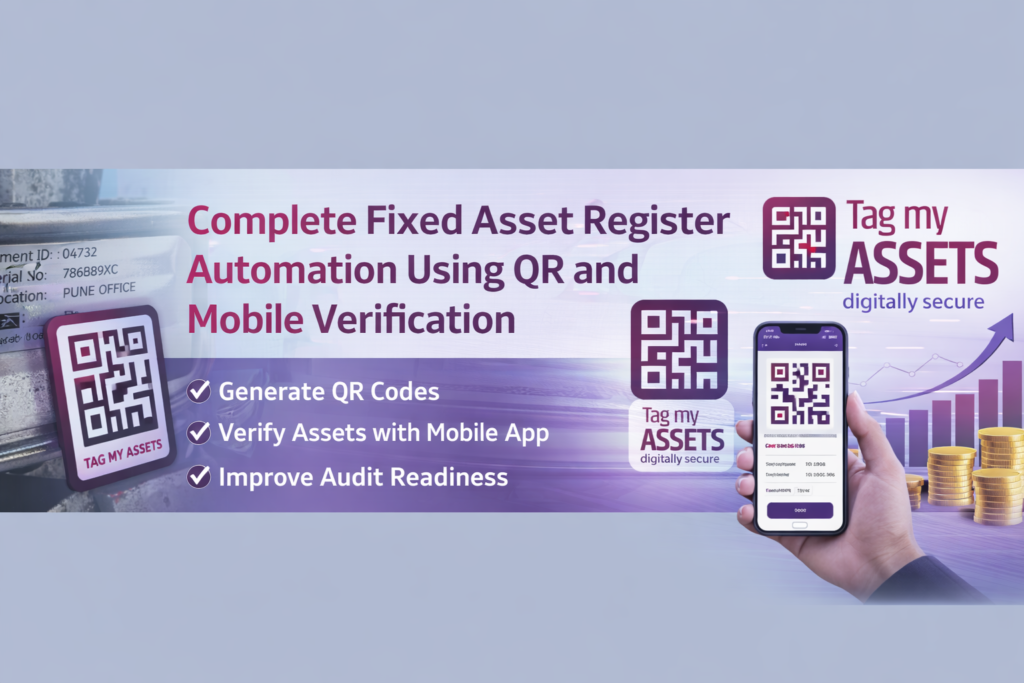
Fixed asset register automation using QR means giving every asset a unique QR label linked to its line in the FAR, verifying each asset on site with a mobile application, and producing reconciliation reports from the scan data. In practice this covers:
- Unique QR codes generated from the existing FAR
- Labels printed on site and fixed to each asset
- Physical verification by scanning at site
- Photographs and serial numbers captured where the asset type needs them
- Reconciliation reports listing found, not found, excess and duplicate assets
The output is a verified register in Excel that your accounts team can update in its ERP or accounting system.
How TagMyAssets Automates Fixed Asset Registers
TagMyAssets follows a structured methodology.
Step 1: FAR Review
Existing asset records from Excel or an ERP export are reviewed and cleaned before tagging starts.
Step 2: QR Code Generation
Unique QR codes are generated and mapped to each asset line.
Step 3: Tagging and Physical Verification
Field teams print labels on site, fix them to the assets and scan each one.
Step 4: Data Capture
Photographs, serial numbers and the location of each asset are recorded where needed.
Step 5: Reconciliation Reporting
Mismatch reports identify missing, excess and duplicate assets.
Step 6: Final Report
Findings are agreed with the client, and the reconciled FAR report follows within about a week of that agreement.
With fixed asset register automation using QR, organisations can reduce manual errors and keep a register that matches the assets on the ground.
Role of the Mobile App in Asset Register Automation
Verification runs on the firm’s own asset tagging application. Using smartphones, field teams can:
- Scan QR codes
- Upload asset photographs
- Record the site and room where each asset is found
- Mark assets as found, not found or newly identified
For clients who want to run later verification cycles in-house, the asset tagging app is available on subscription: upload the FAR in Excel, generate QR labels and carry out verification with your own staff.
Benefits of Fixed Asset Register Automation Using QR
| Area | Impact |
|---|---|
| Data accuracy | Register lines matched to physically verified assets |
| Compliance | Documentation for the auditor under CARO 2020 |
| Control | A unique identity on every asset for later verification cycles |
| Efficiency | Scanning in place of manual tick-marking |
| Reporting | Reconciled FAR in Excel, ready to update in your ERP |
Industry Applications
Manufacturing Companies
Tagging and verification of machinery and plant equipment.
Healthcare Institutions
Tagging and verification of medical equipment and instruments.
Retail and Logistics
Tagging of store fixtures, warehouse equipment and vehicles.
Corporate Offices
Tagging and verification of IT assets and office furniture.
Audit and Compliance Advantages
CARO 2020 requires the auditor to report whether the company maintains proper records of property, plant and equipment (clause 3(i)(a)(A)) and whether those assets have been physically verified at reasonable intervals (clause 3(i)(b)). QR-based verification gives evidence for both. It helps organisations:
- Keep photographic evidence of verified assets
- Keep a history of each verification cycle
- Produce reconciliation reports
- Support statutory and internal audits
- Give auditors verified asset data
This makes the audit trail easier to follow.
Why Choose TagMyAssets for Asset Register Automation
TagMyAssets works on physical verification, asset tagging and FAR reconciliation.
- Trained field teams
- Pan-India operations: 395+ projects across 1,500+ locations
- Labels printed on site
- Custom reporting formats
- Dedicated client support
Ready to Automate Your Asset Register?
If your register has not been checked against the assets on site, fixed asset register automation using QR is a practical place to start.
Book a free site assessment with TagMyAssets
FAQs
Can existing Excel data be uploaded?
Yes. The existing FAR is uploaded from Excel or an ERP export, and the QR codes are generated from it.
Is physical verification necessary?
Yes. A QR label identifies the asset, but only verification on site confirms that it exists and matches the register.
Does this include depreciation calculation?
No. TagMyAssets covers tagging, verification and reconciliation; depreciation stays in your accounting system.
Can this integrate with ERP?
The reconciled FAR is delivered in Excel, in a format your team can upload to its ERP or accounting system.
Is this suitable for multi-location companies?
Yes. A single location with 500 to 2,000 assets usually takes 3 to 7 working days; multi-location projects with 10,000+ assets take 3 to 8 weeks, depending on site access and FAR readiness.
Good Reads
- Fixed Asset Management
- Inventory Verification Services
- Asset Tagging in India
- Physical Verification under CARO 2020 Clause 3(i)
- Contact Us
This approach follows global asset management practices recommended under ISO 55000 standards.