
Introduction
An asset tagging implementation plan for multi-location companies matters for any organisation operating across plants, warehouses, retail stores or offices. Without a structured approach, companies commonly run into:
- Asset duplication or missing records
- Audit discrepancies
- Poor asset visibility
- Losses due to asset leakage
A well-defined asset tagging implementation plan keeps every location working to the same method.
In this guide, we set out a step-by-step asset tagging implementation plan for multi-location companies, drawn from our field projects across India.
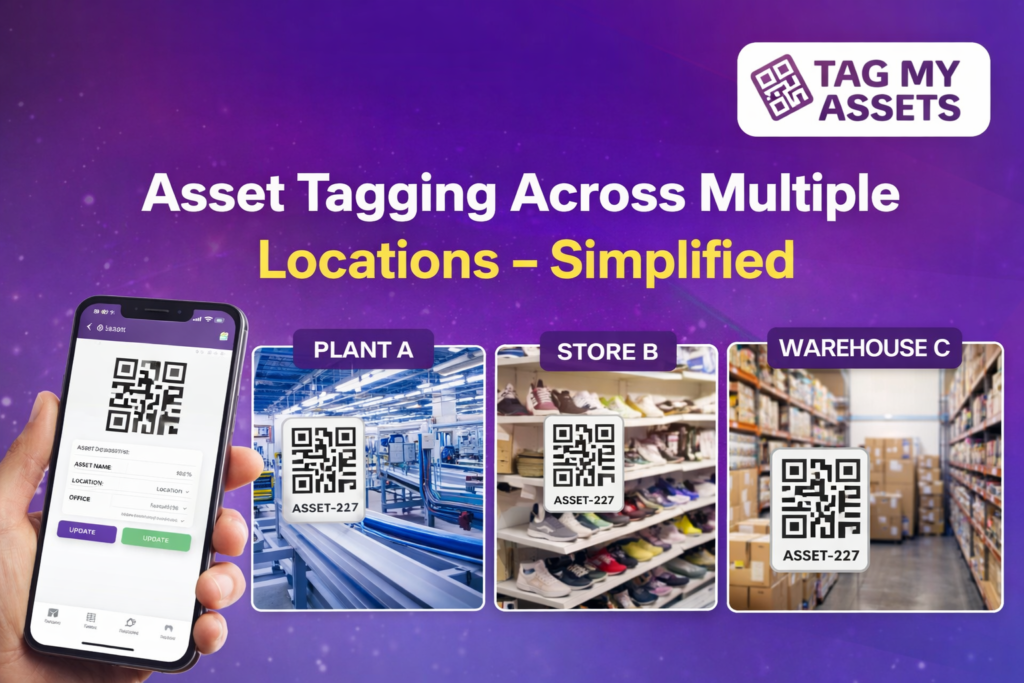
Why Every Company Needs an Asset Tagging Implementation Plan for Multi-Location Companies
For organisations managing assets across many sites, an asset tagging implementation plan for multi-location companies is as much a control decision as an operational one. Without a structured plan, companies often struggle with inconsistent data, misplaced assets and audit discrepancies.
In multi-location environments such as manufacturing plants, retail chains, warehouses and corporate offices, keeping one accurate Fixed Asset Register (FAR) is difficult. Each location may follow different processes, leading to duplication, missing assets or incorrect reporting.
A defined plan means every location follows the same procedure for asset identification, tagging and verification. It improves accountability and reduces the risk of asset leakage.
It also makes audits easier to support, because the data arrives location-wise and in one format. QR codes and a mobile scanning application speed up capture on the floor; the results are then reconciled back to the register.
A structured plan supports financial control and helps the company meet its audit and regulatory requirements.
Why Asset Tagging Fails in Multi-Location Companies
Before starting implementation, it helps to understand the common causes of failure:
- No standard tagging format across locations
- Inconsistent FAR data
- No central monitoring
- Location records updated by hand and never reconciled
- No pilot before full rollout
The result: even after tagging, the data can remain unreliable.
Step 1: FAR Cleanup Before Tagging
A frequent mistake is starting tagging before the FAR has been cleaned.
What to do:
- Remove duplicate asset records
- Identify non-taggable items (e.g., consumables, loose tools)
- Standardise asset naming conventions
- Map assets location-wise
This helps with:
- Faster tagging
- Cleaner reconciliation
- Lower project cost
Recommended read: pre-tagging data cleanup steps
Step 2: Define Tagging Scope & Standardisation
In multi-location environments, standardisation carries the project.
Define:
- Tag format (QR / Barcode / RFID)
- Tag size & material (Polyester, Metal, RFID tags)
- Asset categories to be tagged
- Data fields to capture
Example data fields:
- Asset Name
- Location
- Department
- Serial Number
- Asset Category
The same format should apply at every location.
Step 3: Pilot Execution
Start with a small set of locations before rolling out to all of them.
Start with:
- 1 plant / 1 warehouse / 2–3 retail stores
Why the pilot matters:
- Identify process gaps
- Test manpower planning
- Check FAR accuracy
- Settle the tagging method before scaling up
It is also the step most often skipped.
Step 4: Technology Setup (Mobile App + Tags)
Tagging is more than applying labels; the data captured with each tag is what makes it useful.
What is typically used:
- A mobile scanning application for capture on the floor
- QR code, barcode or RFID tags generated from the FAR
- A central data store that all locations upload to
- Daily progress reports by location
What gets captured at each asset:
- Tag code and asset details
- Photographs where required
- Location, department and custodian
- Serial number where available
Step 5: Manpower Planning & Execution Strategy
Multi-location projects need structured deployment.
Planning factors:
- Number of assets per location
- Tagging speed (100–150 assets per person per day for office furniture, 100–120 for laptops and IT equipment, 80–100 for plant and machinery)
- Travel & logistics
- Store/plant working hours
Good practice:
- Deploy parallel teams across locations
- Cluster nearby locations
Example:
- 10-member team → 5 locations simultaneously
Step 6: Centralised Monitoring & Control
Without central monitoring, locations drift apart and problems surface late.
What you need:
- Daily progress tracking
- Location-wise progress reports
- Exception reporting
- A named contact at head office to resolve exceptions
Head office should track:
- Assets tagged
- Pending assets
- Not found assets
- Data mismatches
Step 7: Reconciliation & Final Reporting
This is where the field data is turned into a usable register.
Final deliverables:
- Updated Fixed Asset Register (FAR)
- Tag-wise asset list
- Location mapping report
- Exception report:
- Not found assets
- Excess assets
- Assets at different locations
Together, these form the documentation the auditor reviews.
Centralised vs Decentralised Execution – Which Works Better?
| Approach | Typical outcome |
|---|---|
| Decentralised (each location independent) | Inconsistent data across locations |
| Central control with local execution | One format, one reconciled register |
The approach we recommend:
Central strategy + local execution
Common Mistakes to Avoid
- Starting tagging without FAR cleanup
- Tagging everything (including non-taggable items)
- No pilot execution
- No common data format across locations
- No centralised reporting
Real-Life Insight (From Multi-Location Projects)
In large-scale projects:
- 20–30% of assets are often non-taggable
- FAR inaccuracies can go up to 15–25%
Planning for both before the teams travel saves time, cost and audit risk. An asset tagging implementation plan for multi-location companies builds them into the scope from the start.
Asset Tagging Timeline for Multi-Location Companies
Typical timeline:
- Single location with 500–2,000 assets: 3–7 working days
- Multi-location projects with 10,000+ assets: 3–8 weeks
Depends on:
- Asset volume
- Team size
- Site access and travel logistics
- How ready the FAR is before tagging starts
How TagMyAssets Helps Multi-Location Companies
TagMyAssets carries out asset tagging, physical verification and FAR reconciliation across India, and has completed 395+ projects across 1,500+ locations.
Our approach:
- FAR cleanup (Sheet-to-Floor / Floor-to-Sheet)
- Pilot-based implementation
- Mobile app-based data capture through our own verification application
- Daily location-wise progress reports
- QR, barcode and RFID tagging
What you receive:
- A reconciled FAR in Excel, mapped to tag codes
- An exception report for management review
Conclusion
Implementing asset tagging across multiple locations is complex, but a defined plan makes it structured and repeatable. An asset tagging implementation plan for multi-location companies gives every site the same method and gives head office one register to reconcile.
The key elements:
- Preparation
- Standardisation
- Technology
- Central control
A well-run implementation improves asset visibility and supports financial accuracy and audit readiness.
FAQs
1. What is the best method for multi-location asset tagging?
Central control with local execution: one tagging format, one data template and one register, with teams working at each location and reporting to head office daily.
2. Should we tag all assets?
No. Consumables and other non-taggable items are excluded; the scope is agreed from the FAR before tagging starts.
3. How long does multi-location tagging take?
A single location with 500–2,000 assets typically takes 3–7 working days. Multi-location projects with 10,000+ assets typically take 3–8 weeks, depending on site access and how ready the FAR is.
4. Is Excel sufficient for asset tracking?
Excel can hold the register, and most FARs are kept in Excel. What it cannot do on its own is confirm that each asset exists at the recorded location. That needs physical verification against tagged assets, with the results reconciled back to the register.